355 Fusion 360 Basics Fusion 360
This course guides learners through a practical, project-based pathway for fusion 360 basics fusion 360. Learners build a visible outcome, test it, improve it, and present their work in a professional learning format.
0. Educational Rationale and Ultimate Goal
The goal is to move learners from simple tool use to independent creation. Students learn the core concepts, practice with real software, and complete a portfolio-ready practical project outcome that can be demonstrated and improved.
Private Academy Style Learning Flow
- Project-first training modeled on paid creative technology bootcamps.
- Short demonstrations followed by hands-on production, testing, and revision.
- Tool fluency, design thinking, troubleshooting, and presentation are integrated into one cycle.
- Every learner leaves with a completed artifact and a record of feedback-based improvement.
Day 1 · Core Concepts and Tool Setup · 2 Hours
Day 1 · Core Concepts and Tool Setup
Students understand the production environment and create their first working draft.
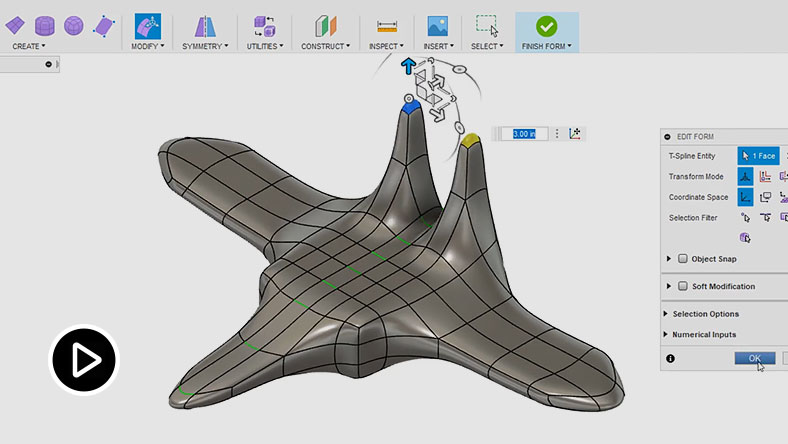


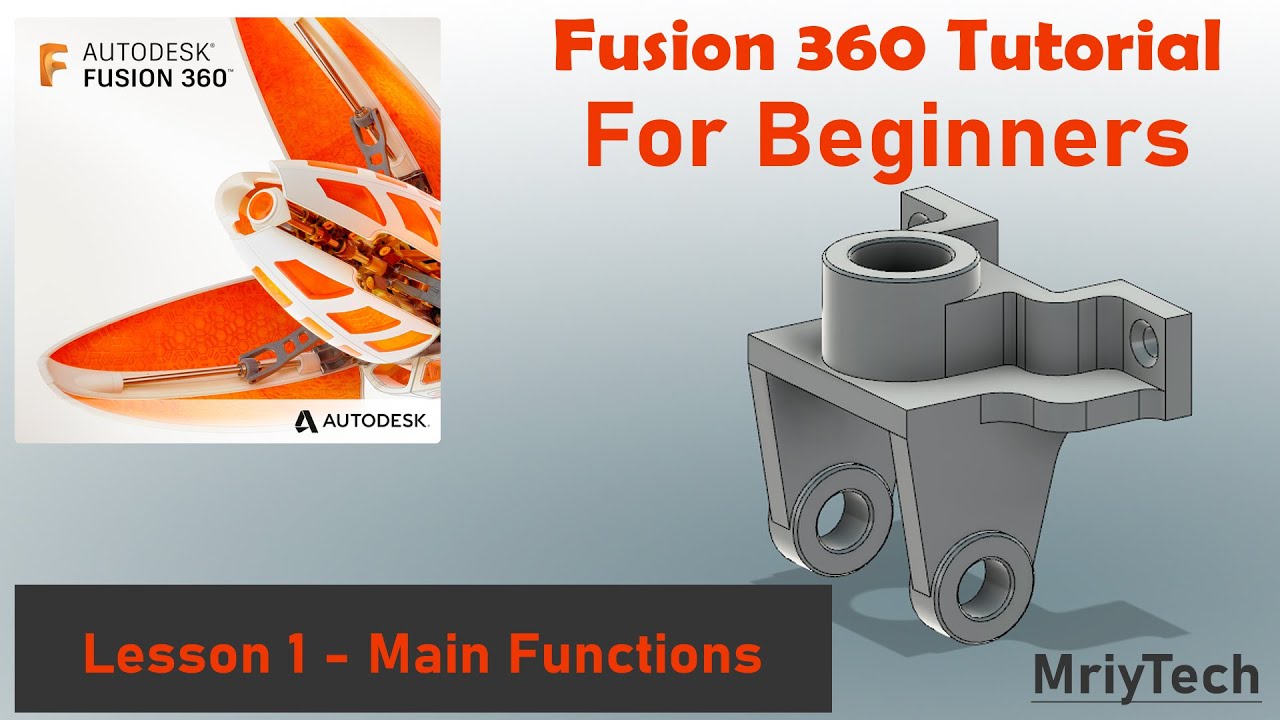
| Type | Detailed Content | Practical Training Methods |
|---|---|---|
| Goal 1 | Understand the structure and purpose of Fusion 360 Basics Fusion 360 | The instructor demonstrates the main interface, project files, menus, and workflow using professional creative AI and digital production tools. Learners follow a guided setup checklist and create a small starter project to confirm that all tools are working correctly. |
| Goal 2 | Build basic production habits | Students organize assets, name files consistently, and document decisions in a short project log. They compare a poor example and a well-structured example, then revise their own work based on the checklist. |
| Platforms | Autodesk Fusion 360, Autodesk 계정, Cura 선택, STEP/STL Export, Google Sheets 치수표 |
|---|---|
| Instructor Requirements | Experience in project-based digital education, practical tool training, learner coaching, troubleshooting, and portfolio assessment. |
| Target Learners | Upper elementary, middle school, high school, youth learners, or beginner adults interested in practical digital creation. |
| Duration | Total 6 hours · 3 days · 2 hours per day |
| Materials | Laptop or desktop computer, stable internet connection, required software accounts, browser, mouse, project planning sheet, and presentation template. |
| Output | Practical project outcome, production record, test feedback, and final presentation material. |
| Assessment | Completion quality 35%, core function implementation 30%, testing and revision 20%, presentation and collaboration 15%. |
Day 2 · Applied Production and Problem Solving · 2 Hours
Day 2 · Applied Production and Problem Solving
Students expand the first draft into a more complete project through guided practice.


| Type | Detailed Content | Practical Training Methods |
|---|---|---|
| Goal 1 | Apply the key functions to a real task | Learners use the main features of professional creative AI and digital production tools to add structure, interaction, automation, or visual elements to their project. The class completes a checkpoint review where each student explains what was added and why it improves the result. |
| Goal 2 | Test, debug, and improve the result | Students run a practical test using a checklist for usability, errors, clarity, and completion quality. They identify one technical issue and one design issue, then revise the project and record the before-and-after changes. |
| Platforms | Autodesk Fusion 360, Autodesk 계정, Cura 선택, STEP/STL Export, Google Sheets 치수표 |
|---|---|
| Instructor Requirements | Experience in project-based digital education, practical tool training, learner coaching, troubleshooting, and portfolio assessment. |
| Target Learners | Upper elementary, middle school, high school, youth learners, or beginner adults interested in practical digital creation. |
| Duration | Total 6 hours · 3 days · 2 hours per day |
| Materials | Laptop or desktop computer, stable internet connection, required software accounts, browser, mouse, project planning sheet, and presentation template. |
| Output | Practical project outcome, production record, test feedback, and final presentation material. |
| Assessment | Completion quality 35%, core function implementation 30%, testing and revision 20%, presentation and collaboration 15%. |
Day 3 · Final Output and Presentation · 2 Hours
Day 3 · Final Output and Presentation
Students finalize the project, prepare evidence, and present the learning outcome.


| Type | Detailed Content | Practical Training Methods |
|---|---|---|
| Goal 1 | Complete a portfolio-ready output | Learners polish the final practical project outcome and prepare screenshots, links, code notes, or workflow diagrams as evidence. They complete a final quality checklist covering function, design, originality, safety, and documentation. |
| Goal 2 | Present and reflect on the project | Students deliver a short demo explaining the goal, tools used, key decisions, and remaining improvements. Peer feedback is collected, and each learner writes a short improvement plan for the next version. |
| Platforms | Autodesk Fusion 360, Autodesk 계정, Cura 선택, STEP/STL Export, Google Sheets 치수표 |
|---|---|
| Instructor Requirements | Experience in project-based digital education, practical tool training, learner coaching, troubleshooting, and portfolio assessment. |
| Target Learners | Upper elementary, middle school, high school, youth learners, or beginner adults interested in practical digital creation. |
| Duration | Total 6 hours · 3 days · 2 hours per day |
| Materials | Laptop or desktop computer, stable internet connection, required software accounts, browser, mouse, project planning sheet, and presentation template. |
| Output | Practical project outcome, production record, test feedback, and final presentation material. |
| Assessment | Completion quality 35%, core function implementation 30%, testing and revision 20%, presentation and collaboration 15%. |